Invoice in a chat
An invoice in any chat — in one tap
The buyer writes to you in Telegram, and the invoice is issued right there. Type @ExPay_Agent and an amount, pick the project: an invoice with a “Pay” button goes into the chat. No links, no site, no copying.
- Private chats and groups
- USDT, euros, tenge and about 30 more currencies
- The status changes by itself
How much for the logo?
25 USDT, sending the invoice now
- Invoice for 25.00 USDTDesign Studio · Logo design
- Invoice for 25.00 USDTDrawing courses · Logo design
@ExPay_Agent 25 Logo design
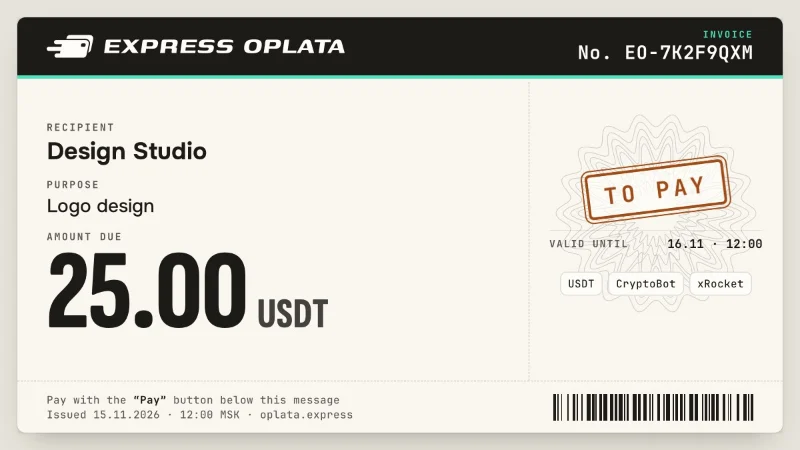
Invoice for 25.00 USDT · Design Studio
Logo design
How to issue one
Nothing to open: it all happens in the message field of the chat you are talking in.
- 1
Type in the chat
In the message field — @ExPay_Agent and an amount: “@ExPay_Agent 25”. After a space you may add a currency and what it is for: “25 EUR”, “1500 ₸ for design”. No currency — USDT.
- 2
Pick the project
A hint appears above the field — an invoice for each of your active projects. Tap the one you need.
- 3
The invoice is in the chat
A message with the invoice card and a “Pay” button goes into the chat. The buyer taps it — the payment form opens right in Telegram.
What to type
The amount as a number. Then, if you like, a currency and a description: everything after the amount and currency becomes the invoice description, up to 160 characters.
@ExPay_Agent 2525.00 USDT@ExPay_Agent 25 EURPrice 25.00 EUR, paid in USDT at the rate when the invoice is created@ExPay_Agent 1500 ₸ for designPrice 1,500 ₸, description “for design”A currency by its sign or code: $, €, £, ₸, ₺, ₴, ₾, ₹, CHF, CNY, JPY and about 30 more. No currency — USDT.
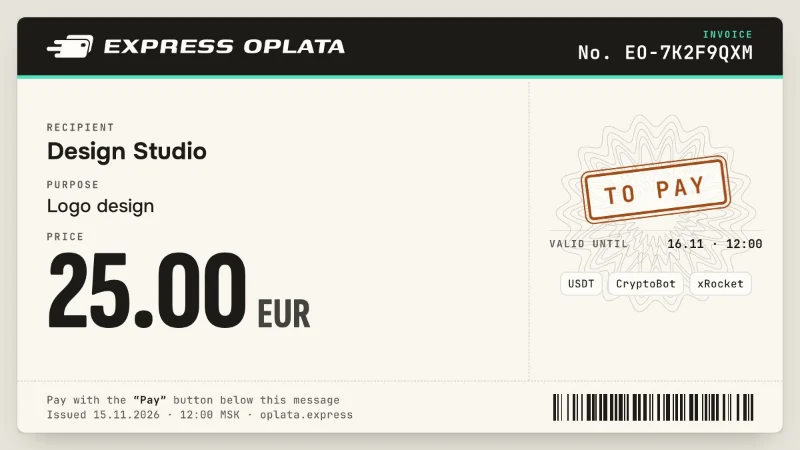
The status — in the same message
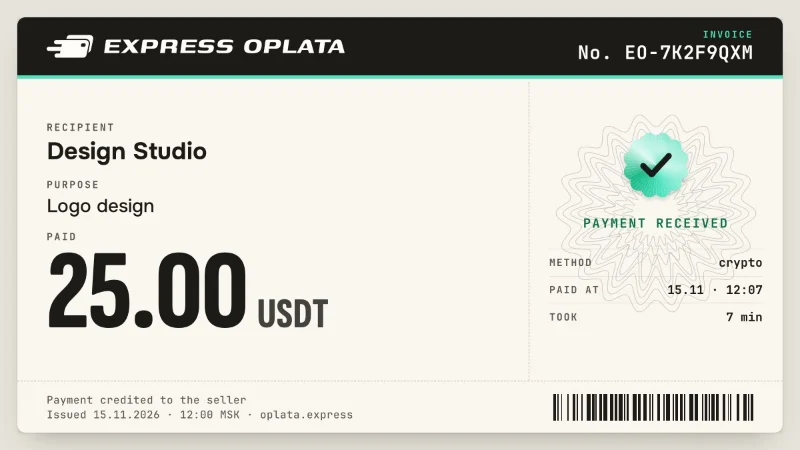
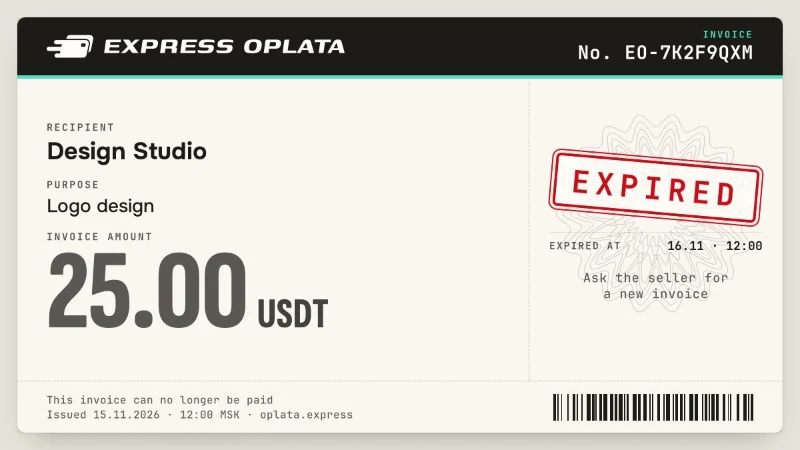
The buyer paid — the message in the chat changes by itself: a “paid” seal on the card, the amount and how fast it was paid in the caption. An invoice lives for a day; too late — the message shows “invoice expired”, and the buyer asks for a new one.
1Awaiting payment
2Paid
3Expired
A regular invoice of your project
An invoice from a chat is no different from one from the bot or the API.
In Payments and statistics
It shows in the bot’s Payments, counts in statistics, and the CSV export marks its source as “chat”.
The webhook as usual
If the project has a webhook URL, invoice.paid arrives after payment — the same as for an API invoice.
Try it on test first
A test project issues chat invoices the same way, but no money is taken. Handy to show a buyer or to try it yourself.
Start with a project
A chat invoice is issued from an ExpressOplata project: connect one, and @ExPay_Agent works in any of your chats.